How to Build a Smart Home Without a Dedicated Hub: Choose Your Platform First
Introduction
Building a smart home can feel overwhelming, especially when you're told you need a central hub to control everything. But here's the truth: you don't need a dedicated hub if you pick the right platform from the start. A decade ago, hubs were essential because devices had no common language. Today, most smart gadgets speak directly to platforms like Amazon Alexa, Google Home, Apple HomeKit, or Samsung SmartThings. By choosing your platform first, you avoid the expensive mistake of buying a hub that becomes redundant. This step-by-step guide shows you how to create a reliable, hub-free smart home that grows with you.
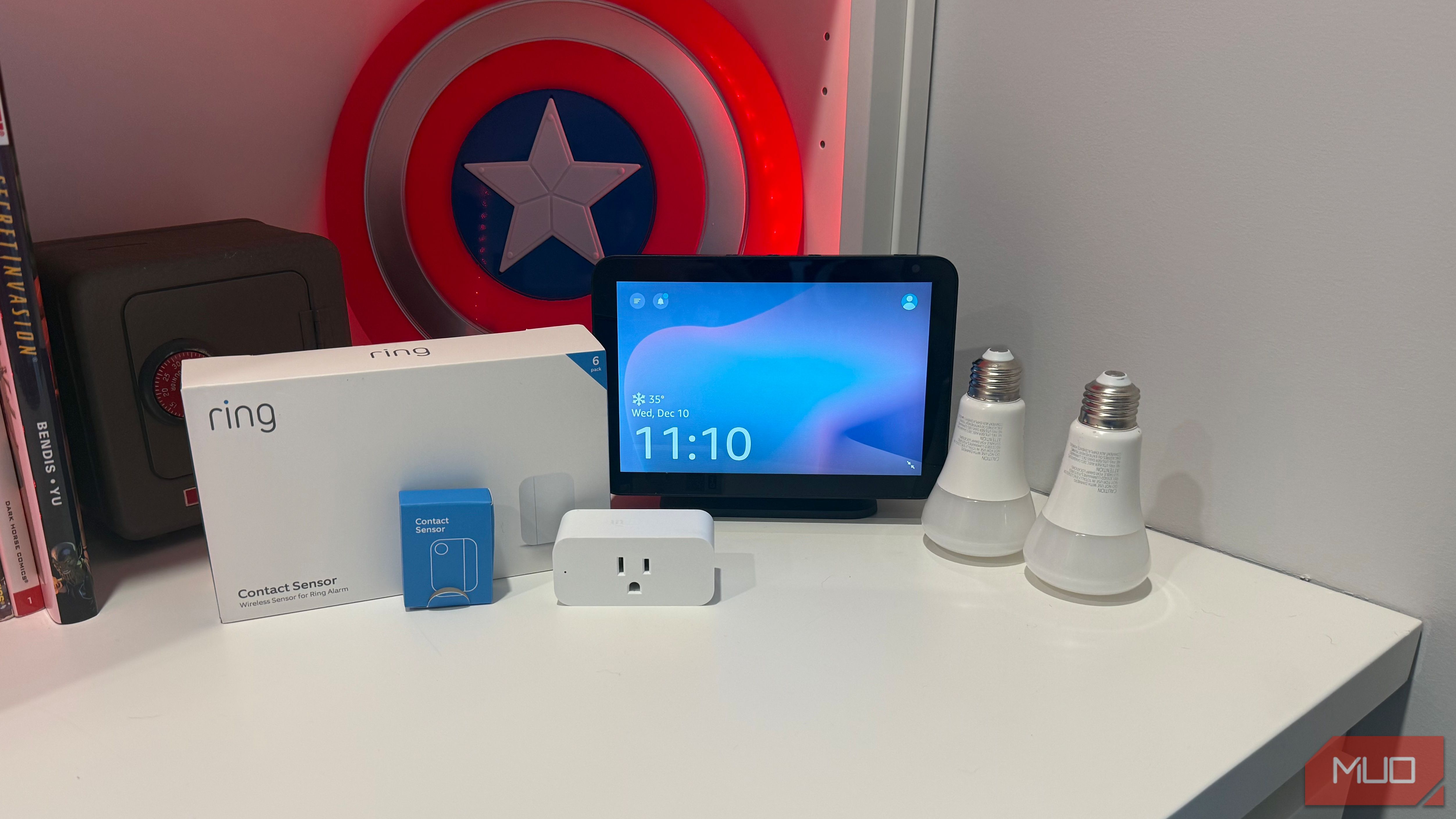
What You Need
- A smartphone or tablet (Android or iOS) for setting up and controlling devices.
- A stable Wi-Fi network (dual-band 2.4GHz/5GHz recommended).
- Smart devices (lights, plugs, sensors, voice assistants) that support your chosen platform natively.
- One voice assistant device (optional, e.g., Amazon Echo, Google Nest, Apple HomePod) – these can serve as a “hub” without being a dedicated smart home hub.
- Time and patience to research and set up one device at a time.
Numbered Steps: Build Your Hub-Free Smart Home
Step 1: Evaluate Your Current Devices and Needs
Before buying anything, take stock of what you already own. Do you have an Amazon Echo or Google Nest? That's your potential hub. Are you heavily invested in Apple devices? HomeKit might be your best bet. List your priorities: Do you want voice control, automation routines, or remote access? Do you need local control (no cloud) for reliability? Your answers will guide your platform choice.
Step 2: Research Smart Home Platforms
Not all platforms are created equal. Compare these major contenders:
- Amazon Alexa – Vast third-party device support; works with many brands; excellent voice control.
- Google Home – Strong integration with Google services; easy setup; good for Android users.
- Apple HomeKit – Privacy-focused; local control via HomePod or Apple TV; requires compatible devices with HomeKit certification.
- Samsung SmartThings – Hub-agnostic; works with Z-Wave and Zigbee devices; but may still need a hub for certain protocols (though the SmartThings app itself acts as a software hub).
- Matter – An emerging industry standard that promises universal compatibility; still new but worth watching.
Pro tip: Choose a platform that will still be relevant in five years. Consider brand ecosystem lock-in and the size of the device library.
Step 3: Select Your Primary Platform
Based on your research, pick one primary platform that meets 90% of your needs. For example, if you already have an iPhone and value privacy, go with HomeKit. If you love voice commands and varied device options, choose Alexa. Stick with one platform to avoid fragmentation. You can always add secondary platforms later with bridges or IFTTT, but start simple.
Step 4: Start Buying Devices That Natively Support Your Platform
The golden rule: Only buy devices that work with your platform out of the box, without requiring an extra third-party hub. Look for labels like “Works with Alexa,” “Compatible with Google Home,” “HomeKit Enabled,” or “Matter certified.” Avoid devices that come with their own proprietary hub unless you absolutely need them (and even then, consider if the platform can control them via a simple integration).
Start with one room: a smart bulb, a smart plug, and a voice assistant speaker. Ensure each device connects directly to your Wi-Fi or Bluetooth. No separate hubs needed.
Step 5: Set Up the Platform's App and Connect Devices
Download the official app for your chosen platform (e.g., Amazon Alexa app, Google Home app, Apple Home app). Follow the in-app instructions to discover and add each device. Most apps let you group devices by room, create scenes (“Good night” turns off lights and locks doors), and set schedules. This is where your smartphone becomes your control center – no hub required.
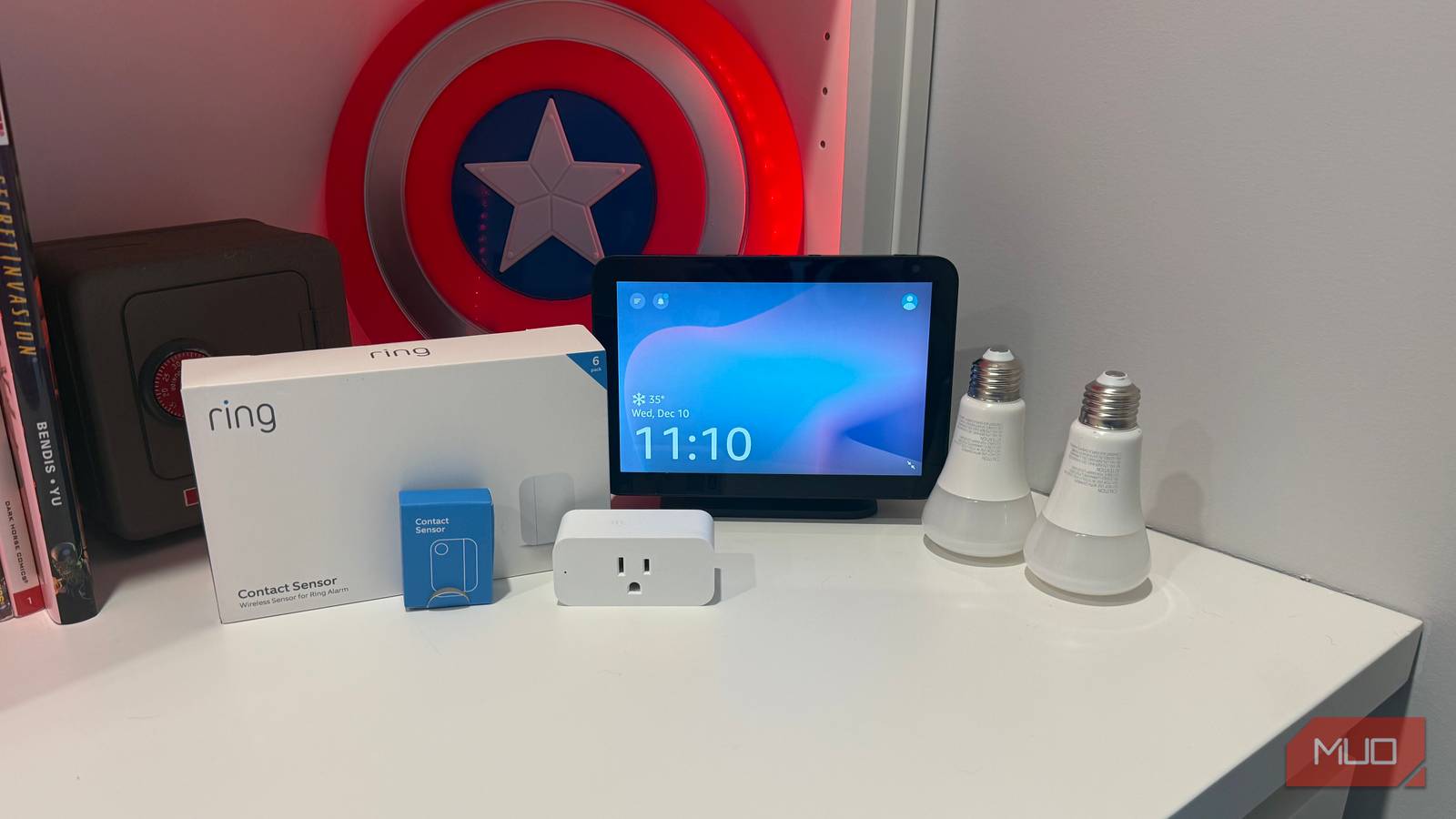
If you have a voice assistant device (like an Echo or Nest Mini), it acts as a local gateway for faster commands and offline automation. But again, it's not a dedicated smart home hub – it's a multi-purpose speaker with built-in smarts.
Step 6: Build Automations and Routines
Now make your home truly smart. Use the platform's automation engine to create triggers: “When the front door sensor opens, turn on the porch light at sunset,” or “When I say ‘Good morning,’ turn on the coffeemaker and set the thermostat to 72°F.” Your platform handles these internally without a separate hub. For more complex logic, consider a service like IFTTT, but keep it simple initially.
Step 7: Expand Gradually – No Hub Needed
Congratulations – you have a hub-free smart home. As you add more devices, always check compatibility with your chosen platform first. Resist the urge to buy a universal hub “just in case.” If you later encounter a device that requires a hub (like a Z-Wave lock), consider a platform that supports it natively or use a minimal bridge. But for 99% of consumers, sticking with Wi-Fi and one major platform is enough.
Tips for Success
- Strong Wi-Fi is critical. Invest in a mesh Wi-Fi system if your home is large. A weak signal causes devices to drop.
- Keep firmware and apps updated. Updates often add new features and improve reliability.
- Start small. Don't try to automate everything at once. Pick one room or one routine and expand from there.
- Prioritize local control. If you can, choose devices that support local automation (e.g., HomeKit over cloud-dependent Alexa for critical functions).
- Use the same platform for all devices. Mixing Alexa and Google Home can lead to confusion. Stick to one for simplicity.
- Educate household members. Make sure everyone knows how to use voice commands or the app to avoid frustration.
- Don't be afraid to change platforms later. If a better platform emerges (like Matter), you can migrate gradually. But starting with a strong platform reduces that need.
Remember: the secret to a hub-free smart home is choosing the right platform first. By following these steps, you'll save money, reduce complexity, and build a system that just works. Happy automating!