5 Ways Dropping Ultra Settings Transformed My Mid-Range GPU Performance
In the ever-evolving landscape of PC gaming, a silent revolution is brewing. Gamers are increasingly pushing back against the relentless pursuit of Ultra settings, a trend that has been exacerbated by unoptimized ports, VRAM shortages, and skyrocketing hardware costs. The knee-jerk reaction to a new release is often to max out graphics, only to watch frame rates plummet. But what if the secret to a smoother, more enjoyable experience lies in a simple setting change? Here are five reasons why shifting from Ultra to High (or even Medium) can breathe new life into your mid-range GPU, making it feel like a powerhouse.
1. The Myth of Ultra: Why It's Often a Trap
Ultra settings are frequently marketed as the pinnacle of visual fidelity, but the reality is often different. Many modern games implement Ultra presets that include diminishing returns—tiny visual gains tied to massive performance hits. For instance, ultra shadows might consume 20% more GPU resources for a barely perceptible difference in texture sharpness. By stepping down, you can reclaim those frames without sacrificing the immersive experience. Studies have shown that the average player struggles to spot the difference between High and Ultra in blind tests, especially during fast-paced gameplay. Don't let the marketing fool you; your eyes are more adaptable than you think.
2. Unoptimized Ports and VRAM Anxiety
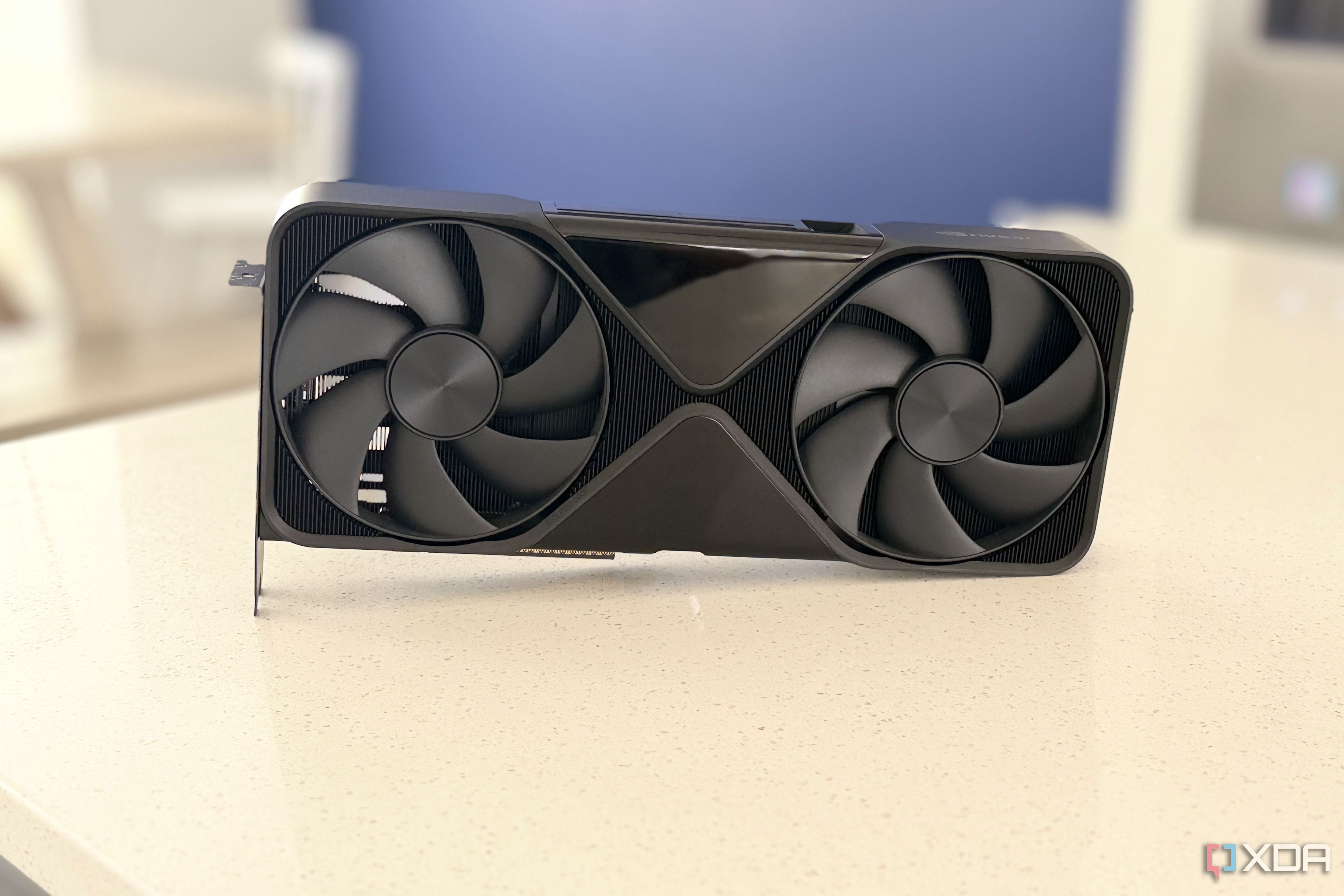
The rise of cross-platform releases has introduced a new challenge: PC ports that are riddled with inefficiencies. Developers often prioritize high-end GPUs, leaving mid-range cards struggling with VRAM limitations. Ultra textures, in particular, consume enormous memory buffers—often exceeding 8GB on mid-range cards, leading to stuttering and texture pop-ins. By dropping to High or Medium texture settings, you dramatically reduce VRAM pressure, allowing your GPU to allocate resources more efficiently. This move alone can stabilize frame rates in titles like Cyberpunk 2077 or Hogwarts Legacy. Don't let VRAM anxiety dictate your purchase; instead, adjust settings and watch your card breathe.
3. The Financial Reality: Avoiding the Upgrade Spiral
Flagship GPUs now command prices that rival entire mid-range builds. The temptation to upgrade for Ultra performance is strong, but it often leads to a cycle of constant spending. By setting your sights on High or Optimized settings, you delay the need for a new card by years. My own RTX 3060, once dismissed as “entry-level,” now runs Starfield at 1080p High with consistent 60fps after I stopped chasing Ultra. The money saved can go toward a better monitor, faster storage, or even a new game. Performance is not about the highest numbers—it's about the smoothest experience for your budget.
4. Heat, Noise, and Longevity
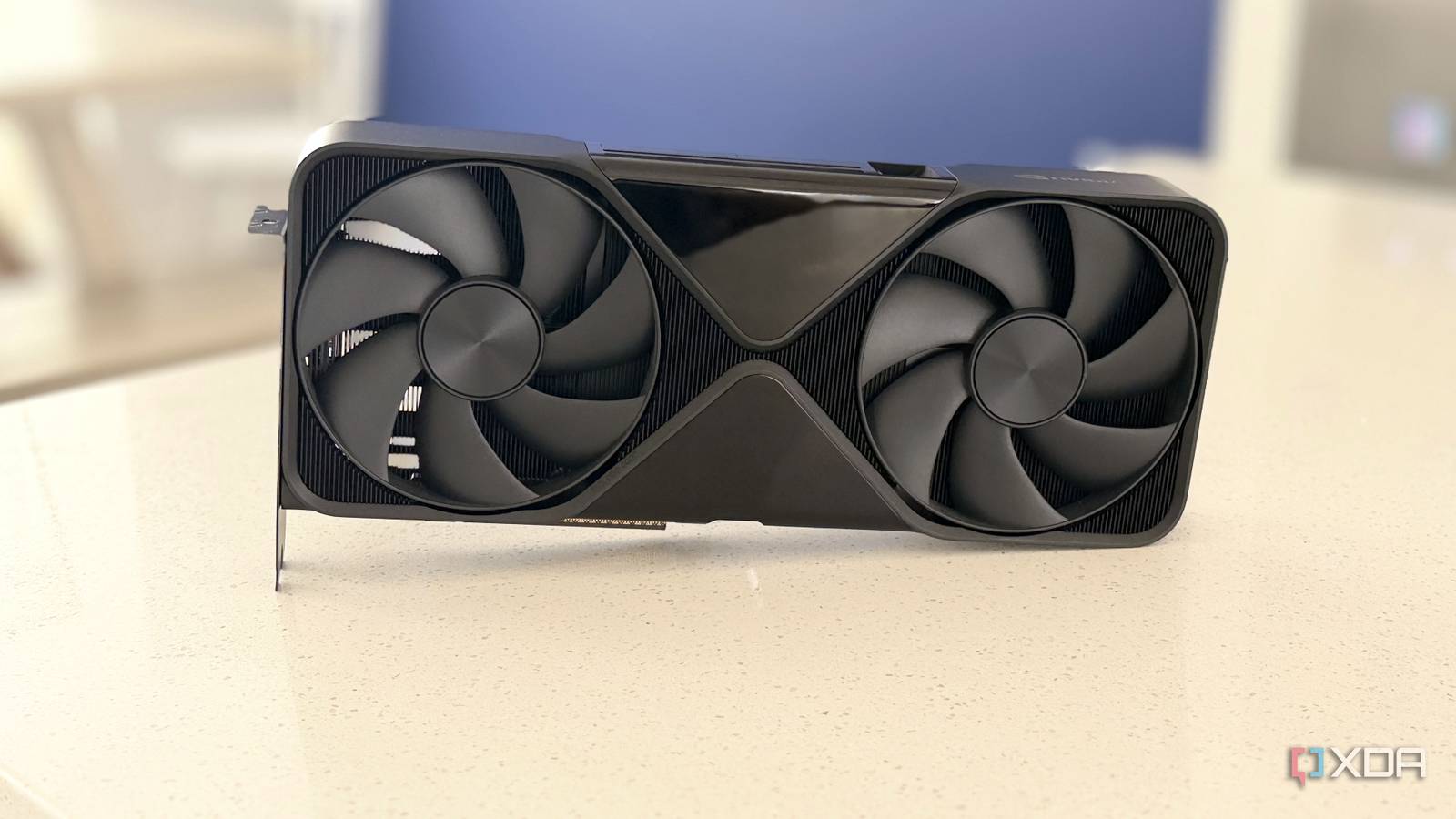
Pushing a mid-range GPU to Ultra settings forces the card to run at its thermal limit, often triggering aggressive fan curves that sound like a jet engine. Over time, sustained high temperatures can degrade thermal paste and accelerate component wear. By dropping settings, you reduce power draw and heat output, allowing your GPU to operate cooler and quieter. In my experience, switching from Ultra to High lowered my GPU temperature by 10°C and cut fan noise in half. This not only extends the lifespan of your card but also makes gaming sessions far more pleasant. Your ears and your wallet will thank you.
5. The Smarter Approach: Custom Tuning Over Presets
Rather than blindly choosing a preset, take a granular approach. Many games allow you to tweak individual settings like anti-aliasing, ambient occlusion, and draw distance. Instead of Ultra, I now use a custom profile: High textures, medium shadows, and low reflections. This combination delivers 90% of the visual quality at 70% of the performance cost. Tools like Nvidia’s GeForce Experience or AMD’s Adrenalin can also optimize settings based on your specific hardware. Stop letting presets dictate your experience; tune your settings manually and unlock the true potential of your mid-range GPU. It's not about settling—it's about optimizing.
Conclusion: The shift from Ultra to High isn’t a step back—it’s a strategic move that reclaims performance, extends hardware life, and saves money. By understanding the real-world impact of settings, you can transform a mid-range GPU into a formidable gaming companion. Next time you fire up a new title, resist the urge to max everything out. Instead, dial it back, enjoy smooth frames, and rediscover the joy of gaming without the stress of constant upgrades.