5 New Ways Gemini AI Transforms Your Google Maps Experience
Introduction
Google Maps has long been my go-to navigation tool, offering a rich set of features for routing, finding restaurants, coordinating with friends, and booking accommodations. Yet, despite its utility, it always felt more like a handy utility than a true travel companion. That’s where Google’s Gemini AI assistant changes the game. By integrating advanced conversational AI, Google Maps now offers capabilities that were previously impossible. Here are five new actions I now perform effortlessly with Gemini in Google Maps.
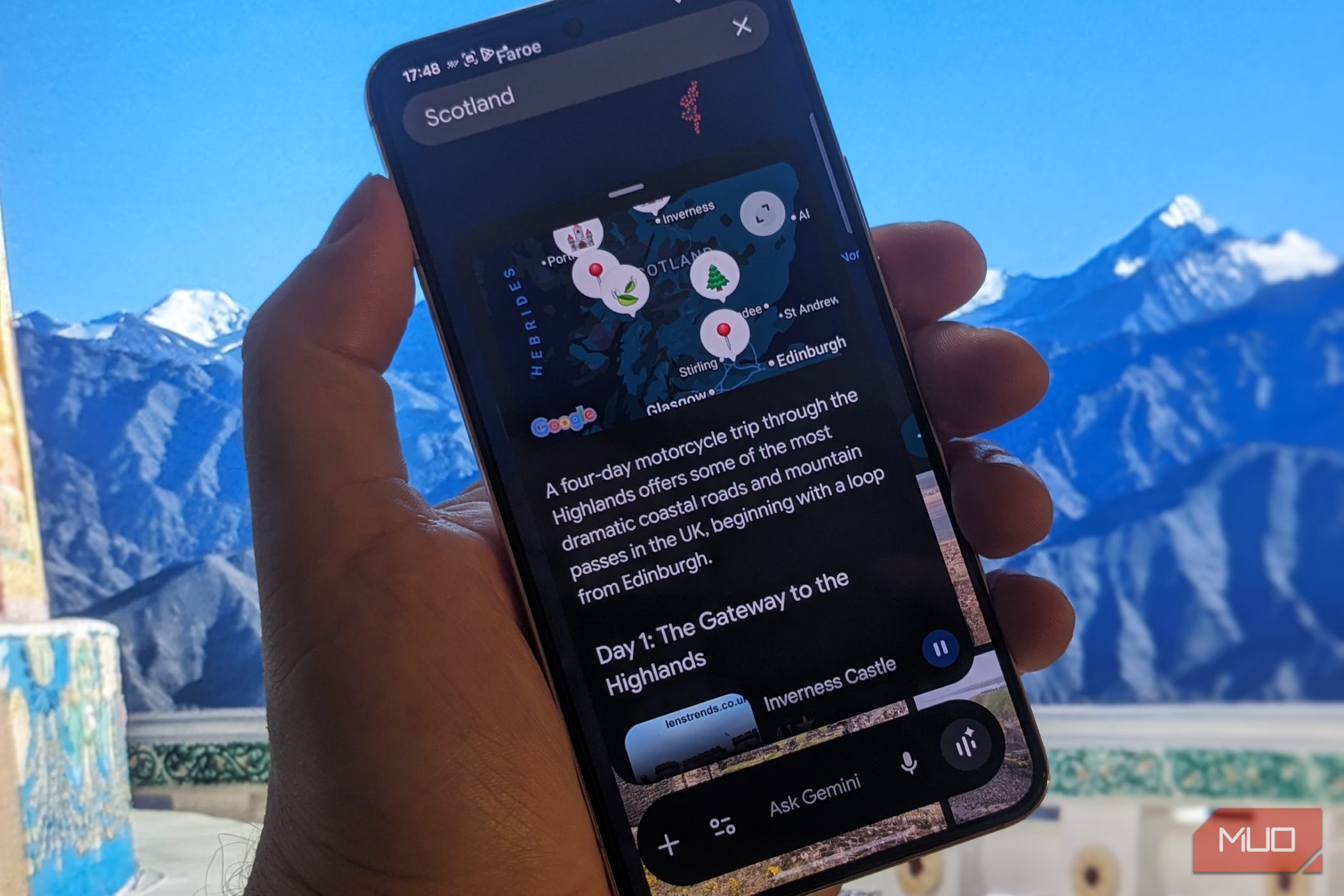
1. Natural Language Queries for Smarter Searching
Before Gemini, searching for a place meant typing specific keywords like “coffee shop near Central Park” or “Italian restaurant open now.” Now, I can ask natural language questions such as “Where can I get a quiet place to work with free Wi-Fi?” or “What’s a fun activity for kids near me this afternoon?” Gemini interprets contextual cues and returns tailored suggestions, complete with photos, reviews, and live traffic data. This makes planning spontaneous outings or remote work sessions incredibly easy.
How It Works
Simply tap the Gemini icon or say “Hey Google, ask Maps…” and phrase your request conversationally. The AI analyzes your location, time of day, and past preferences to deliver highly relevant results. For example, if you’re traveling and need a 24-hour pharmacy, Gemini will show nearby options with real-time availability updates.
2. All-in-One Trip Planning
Planning a day trip or weekend getaway used to require multiple apps and tabs. Now, with Gemini, I can plan an entire itinerary within Google Maps. I say, “Plan a day trip to San Francisco that includes two must‑see attractions, a lunch spot under $20, and a scenic drive.” Gemini creates a step-by-step route, suggests departure times to avoid traffic, and even estimates total costs. It integrates with saved lists and can adjust if one stop is closed. The result is a seamless, optimized adventure without the back‑and‑forth.
Collaboration Features
I can share the itinerary with friends through Google Maps’ built‑in collaboration tools. Gemini updates the plan in real‑time when someone adds a new stop or changes preferences. It’s like having a virtual tour guide that coordinates with your group.
3. Personalized Restaurant and Attraction Picks
Gemini’s recommendation engine goes beyond star ratings and generic lists. When I ask for dinner ideas, it factors in my dietary restrictions, mood (e.g., “romantic” vs. “quick bite”), and even my past order history from Google Pay. For example, I once asked, “Find a vegan‑friendly spot with outdoor seating that’s not too loud.” Gemini returned three options, each with a brief AI‑generated summary of why they fit my criteria. It also suggests the best time to go based on crowd levels.
Dynamic Updates
If a restaurant is fully booked, Gemini proactively suggests alternatives and can even help you make a reservation via OpenTable integration. This turns the app from a passive directory into an active concierge.
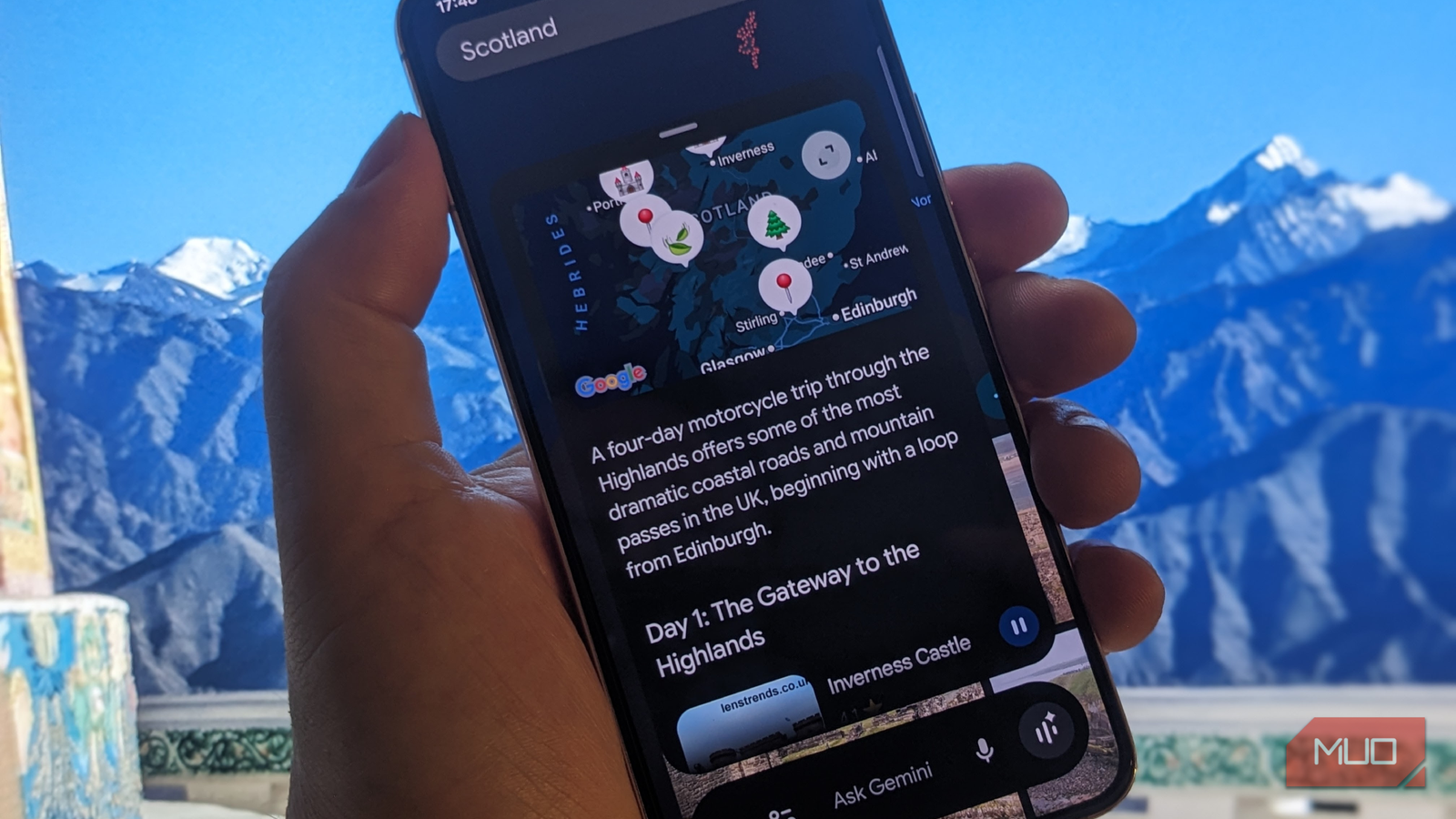
4. Voice‑Powered Navigation with Contextual Assistance
Voice commands in Google Maps have always been useful, but Gemini takes them to a new level. I can now say, “Find the nearest gas station on my route that has diesel and is open 24 hours,” and Gemini reroutes me automatically, showing estimated detour time. It also offers proactive nudges: “You’re running low on fuel; recommend a Shell station two miles ahead?” This predictive assistance feels like a co‑pilot who knows my needs before I do.
Hands‑Free Interaction
During a drive, I can ask about points of interest along the way, such as “What’s that castle‑like building on my left?” Gemini identifies the landmark and shares a brief history. This keeps me informed without taking my eyes off the road, enhancing both safety and enjoyment.
5. Dynamic Coordination with Friends and Family
Coordinating meetups used to be a text‑messaging mess. With Gemini, I can initiate a group session where everyone shares their location and preferences. I say, “Set up a meetup for this evening where we can have dinner and then catch a movie.” Gemini suggests common areas within a 15‑minute radius for all members, polls the group for restaurant and show times, and then sends a unified itinerary to everyone. It even factors in traffic and parking availability.
Integrated Chat and Alerts
Group members can chat within the Maps interface using Gemini‑powered suggestions. If someone is running late, Gemini recalculates optimal departure times for the rest. This turns a static map into a living communication hub for your social plans.
Conclusion
These five capabilities—natural language search, comprehensive trip planning, personalized recommendations, context‑aware voice navigation, and dynamic group coordination—represent a fundamental shift in how I use Google Maps. No longer just a navigational tool, it has become a genuine travel companion that anticipates needs and simplifies complex planning. If you haven’t tried engaging Gemini in Maps yet, I recommend starting with a simple question and watching how the AI transforms your journey.