Crafting a Unique Voice and Personality for Your Smart Home Assistant
Introduction
Popular smart home voice assistants like Amazon Alexa and Google Assistant are incredibly convenient, but they often feel as wooden as a library shelf. They answer commands politely but lack the wit, charm, or distinctive character you see in fictional assistants like J.A.R.V.I.S. from Iron Man or GLaDOS from Portal. The good news? You can break free from the generic script and give your smart home a personality—and a voice to match—using open-source tools like Home Assistant. In this guide, you'll learn how to replace the bland default with a custom voice assistant that feels like a member of the family (or a mischievous lab partner).
What You Need
- A Home Assistant instance (running on a Raspberry Pi, a dedicated server, or a virtual machine)
- Smart home devices (lights, switches, sensors, etc.) integrated with Home Assistant
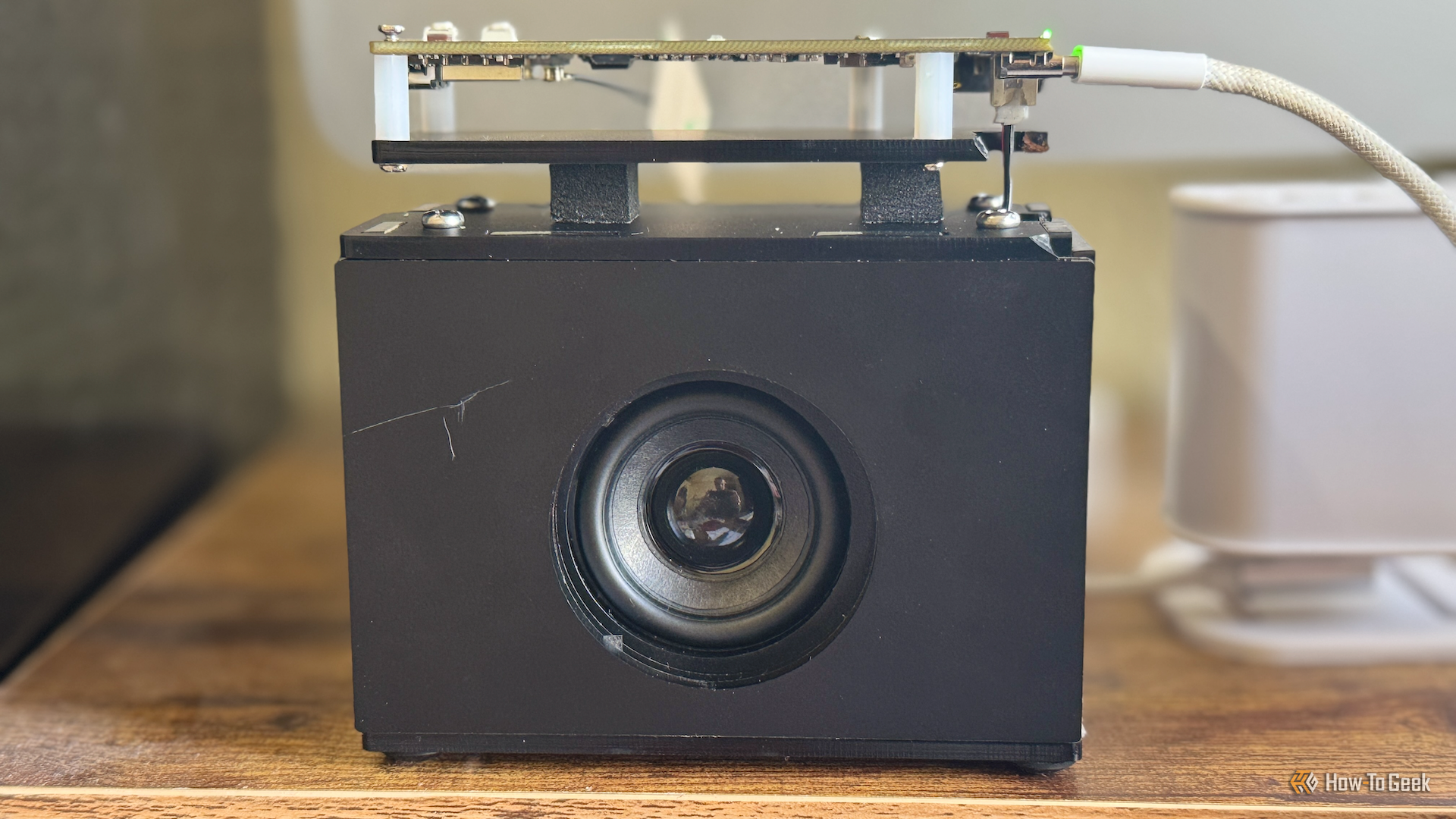
- A microphone and speaker (USB microphone or a smart speaker like Google Nest Hub, or a dedicated voice satellite)
- A voice assistant integration in Home Assistant (options: Rhasspy, Mycroft, or the built-in Assist with Piper/Whisper)
- A text-to-speech (TTS) engine (e.g., Piper, MaryTTS, or cloud services like Amazon Polly – but self-hosted is preferred for privacy)
- A personality script (custom YAML or Python code that defines responses, catchphrases, and quirks)
- Optional: A sound mixer tool (like PulseAudio) if you need multiple audio outputs
Step-by-Step Guide
Step 1: Set Up Home Assistant
If you haven't already, install Home Assistant (either Home Assistant Operating System or a supervised installation). Make sure your smart devices are discovered and controllable from within Home Assistant. Test a few basic automations so you're confident everything works with the click of a button—this foundation is crucial before adding voice.
Step 2: Install a Voice Assistant Integration
Home Assistant supports several voice pipelines. For full personality control, I recommend using Rhasspy (local, offline, highly customizable) or the newer Assist + Piper + Whisper stack (also local). Install via the add-on store or by adding the repository manually:
- Go to Settings > Add-ons > Add-on Store
- Search for “Rhasspy” (if available) or install “Assist” under the Voice section
- Configure your microphone and speaker devices – test that your voice picks up commands and that the assistant responds out loud
Step 3: Choose (or Create) a Personality
The personality is where the magic happens. You can write a YAML file or use a script that listens for specific intents and returns custom responses. For example, mimic J.A.R.V.I.S. with polite, formal replies, or GLaDOS with sarcastic, passive-aggressive tones. Start simple: define a few conversation agents in Home Assistant:
conversation:
  intents:
    Greet:
      - “Good morning, sir. Coffee is brewing.”
      - “Ah. You’re alive. How unfortunate.”
You can group responses by mood – use multiple agent lists and cycle through them randomly or based on the time of day.
Step 4: Configure the Voice and Accent
Select a TTS engine that supports voice styles. Piper offers many voices (US, UK, male, female). For a truly unique voice, download a less common model (e.g., “mycroft_voice” or custom voice from VoiceVox). Adjust speed and pitch in the TTS settings:

- In Home Assistant, go to Settings > Voice > Text-to-Speech
- Choose your engine and voice model
- Test spoken output – if it sounds too robotic, try a different model or increase the sample rate
Step 5: Add Emotional Layers and Catchphrases
Personality thrives on unpredictability. Add random snarky remarks when moods are detected (e.g., if the door opens repeatedly, the assistant might complain). Use Home Assistant’s sensor data to trigger different responses:
- Create a script that checks the current temperature, time, or door status
- If the door is opened after midnight, pick a response like: “You know it’s 2 AM, right? Hope you’re not trying to avoid a monster.”
- Use the input_select helper to store the assistant’s current mood (e.g., cheerful, bored, annoyed)
- In your conversation agent, vary the reply based on the mood value
Step 6: Test, Tweak, and Expand
Run test commands – say “turn on the kitchen lights” and listen for the response. If the voice doesn’t match your vision, go back to Step 4. If the personality feels flat, add more dialogue snippets in Step 3. Iterate daily until your smart home feels like it has a soul (or at least a decent scriptwriter).
For advanced users: integrate with OpenAI or other LLMs to generate dynamic responses while keeping the personality prompt constant. Be aware of latency though – a 3-second delay can break immersion.
Tips for Success
- Start small – don’t try to create a full-fledged J.A.R.V.I.S. on day one. Get one or two personality phrases working, then gradually add complexity.
- Preserve privacy – use local TTS and speech-to-text wherever possible to avoid sending audio to the cloud.
- Use sound effects – add a startup chime or a random beep after certain commands to make the assistant feel more alive.
- Design for failure – if the assistant doesn’t understand a command, have it say something self-deprecating (“I’m sorry, my audio processor is malfunctioning again.”) instead of a generic error.
- Watch for listener fatigue – if every request triggers a long quip, users may get annoyed. Insert brevity for frequent commands and humor for rare ones.
- Document your scripts – when you want to change the personality later, you’ll thank yourself for the notes.
- Back up your configuration – especially the YAML files containing your custom responses. A lost personality is a sad smart home.